 Docs
Docs
Graph explorer
Start with one node and expand the internet. Explore is an interactive view over the Whisper security graph: seed it with a domain, IP, network, or organization, then walk the connected infrastructure.
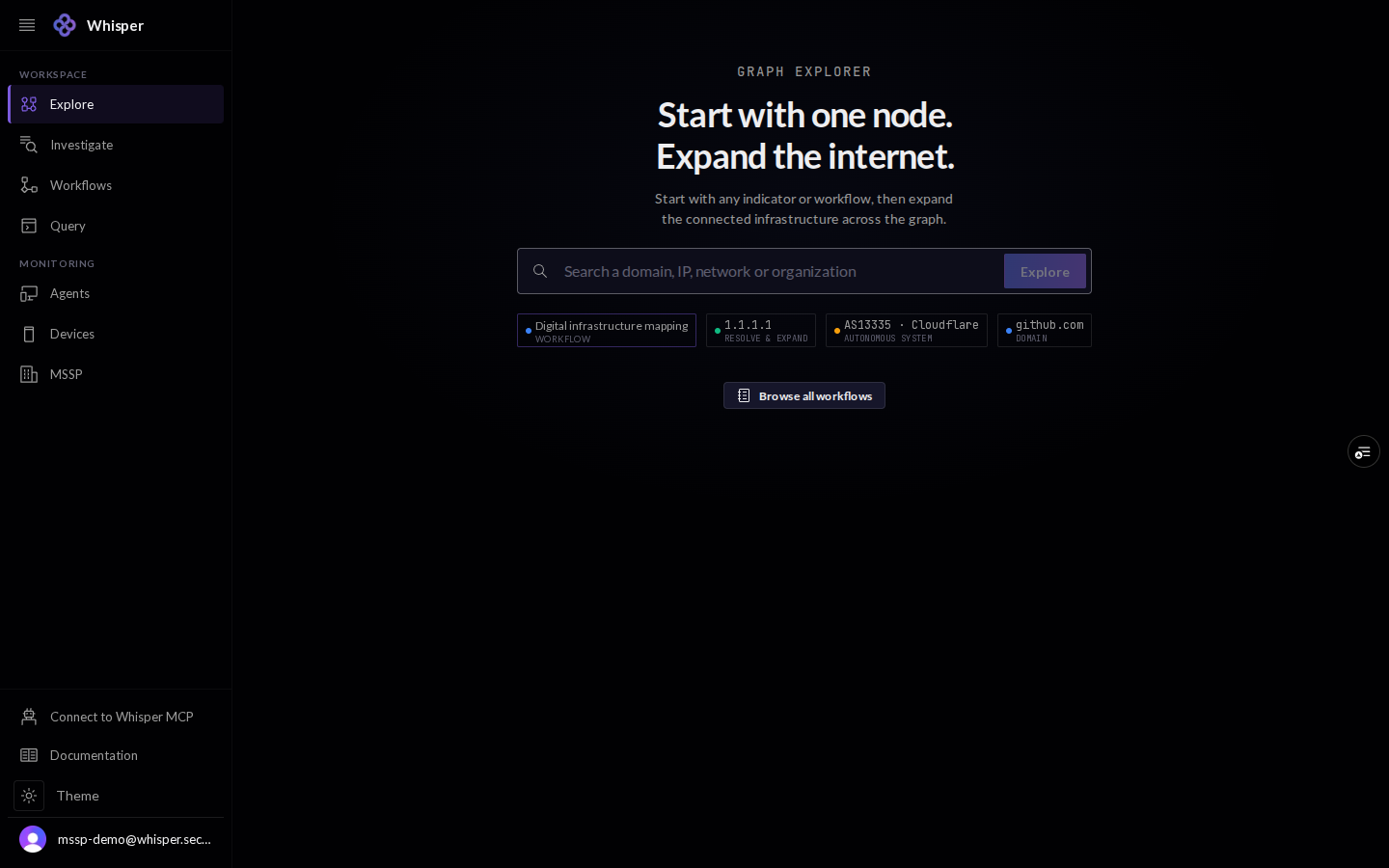
1 · Start with a seed
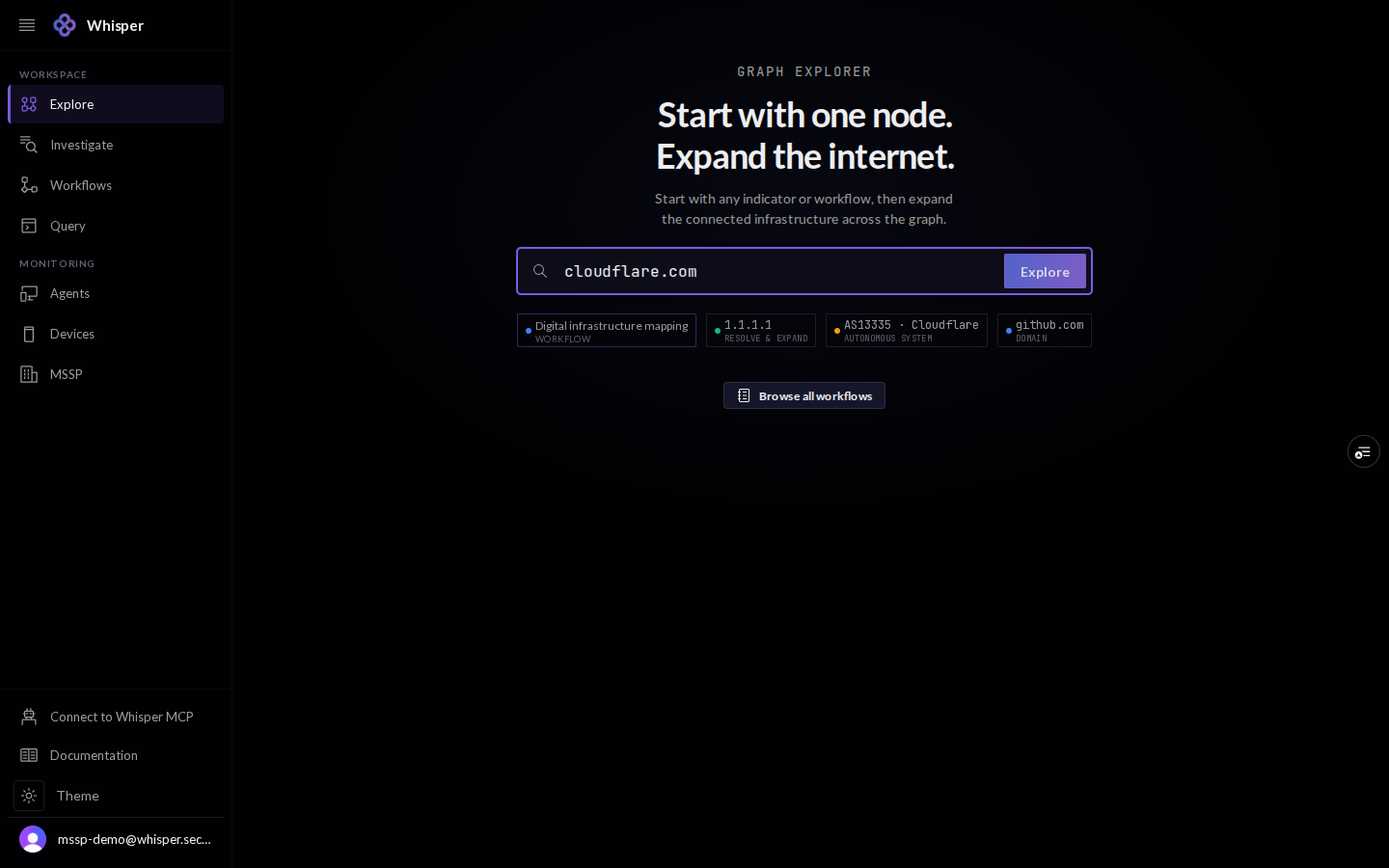
Explore opens on a single prompt. Type any indicator, a domain, an IP, a network, or an organization, or pick a quick-start chip, and the console pulls that node and its immediate neighbours onto the canvas.
2 · The graph
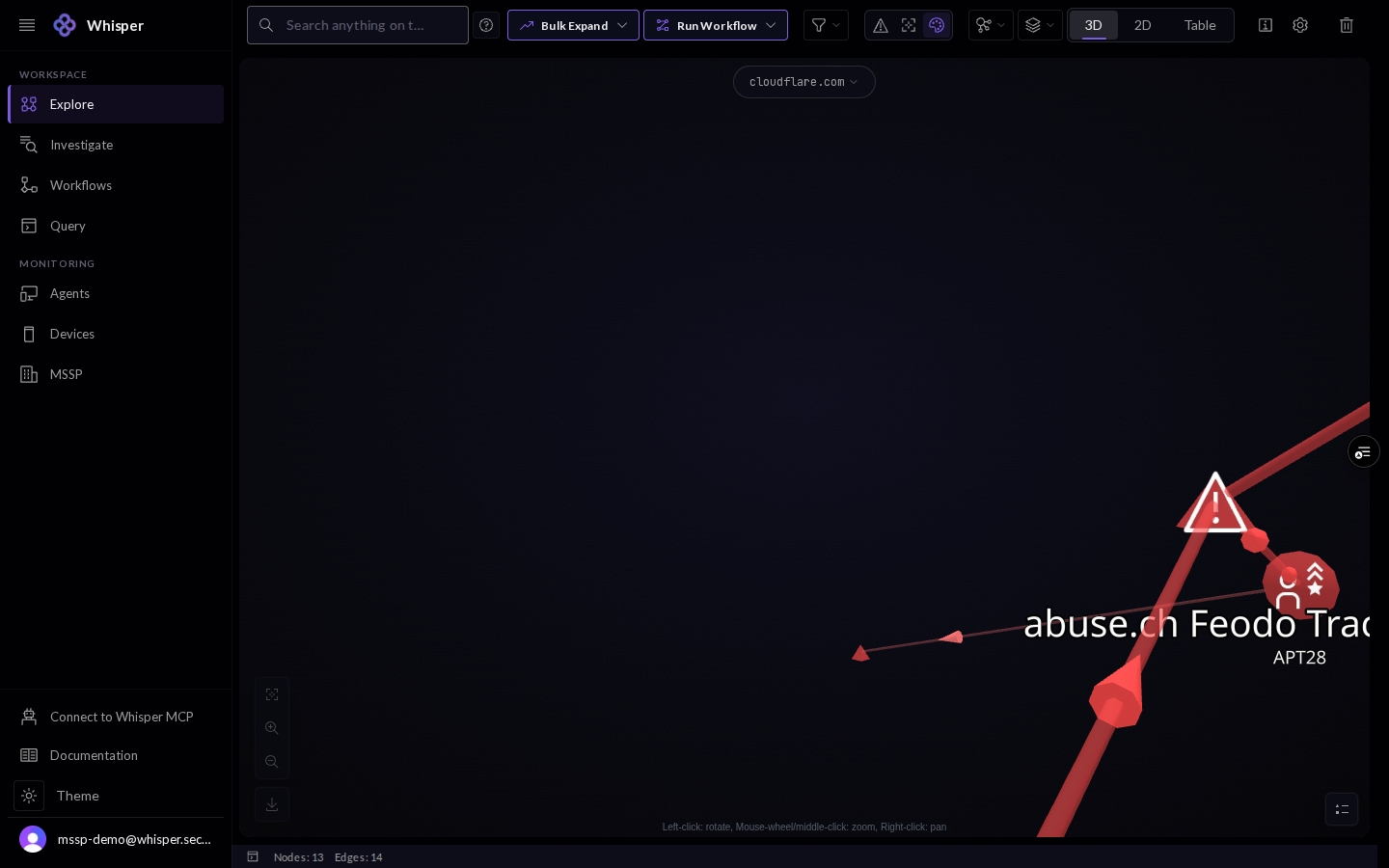
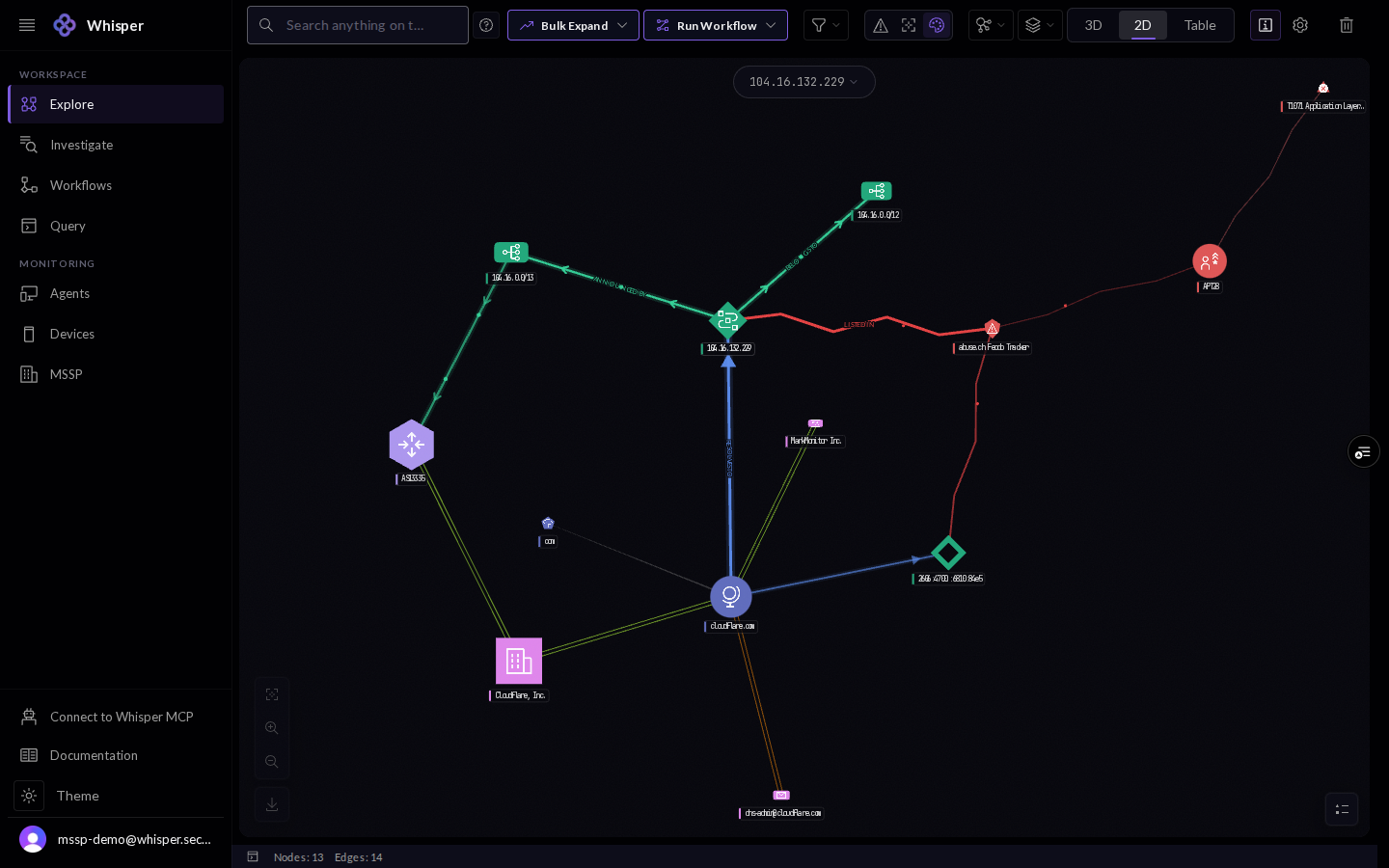
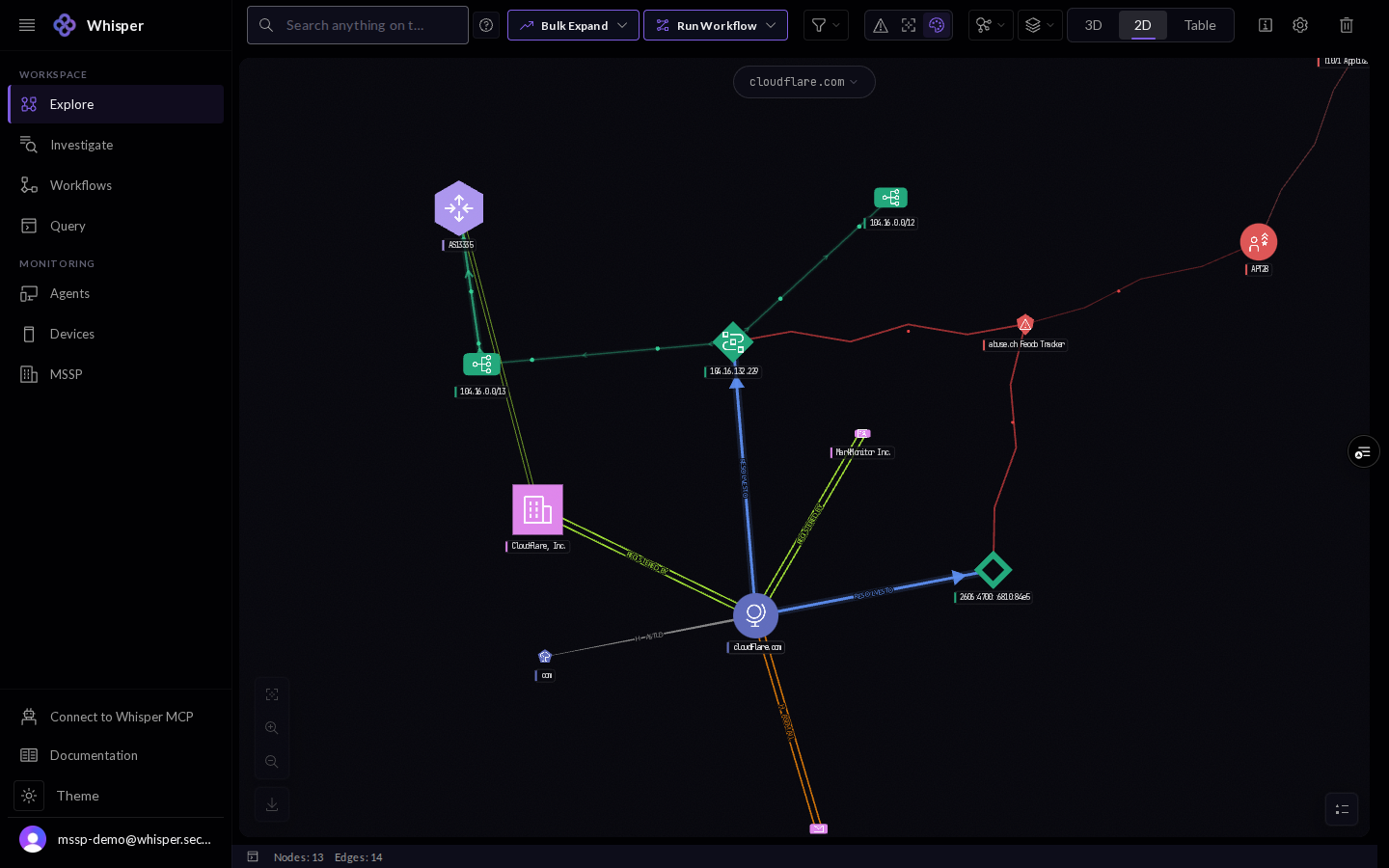
The canvas is a live, navigable graph. The toolbar carries Bulk Expand, Run Workflow, a type filter, the layout picker, and the 3D / 2D / Table switch; the status bar counts nodes and edges as the graph grows.
3 · Node types
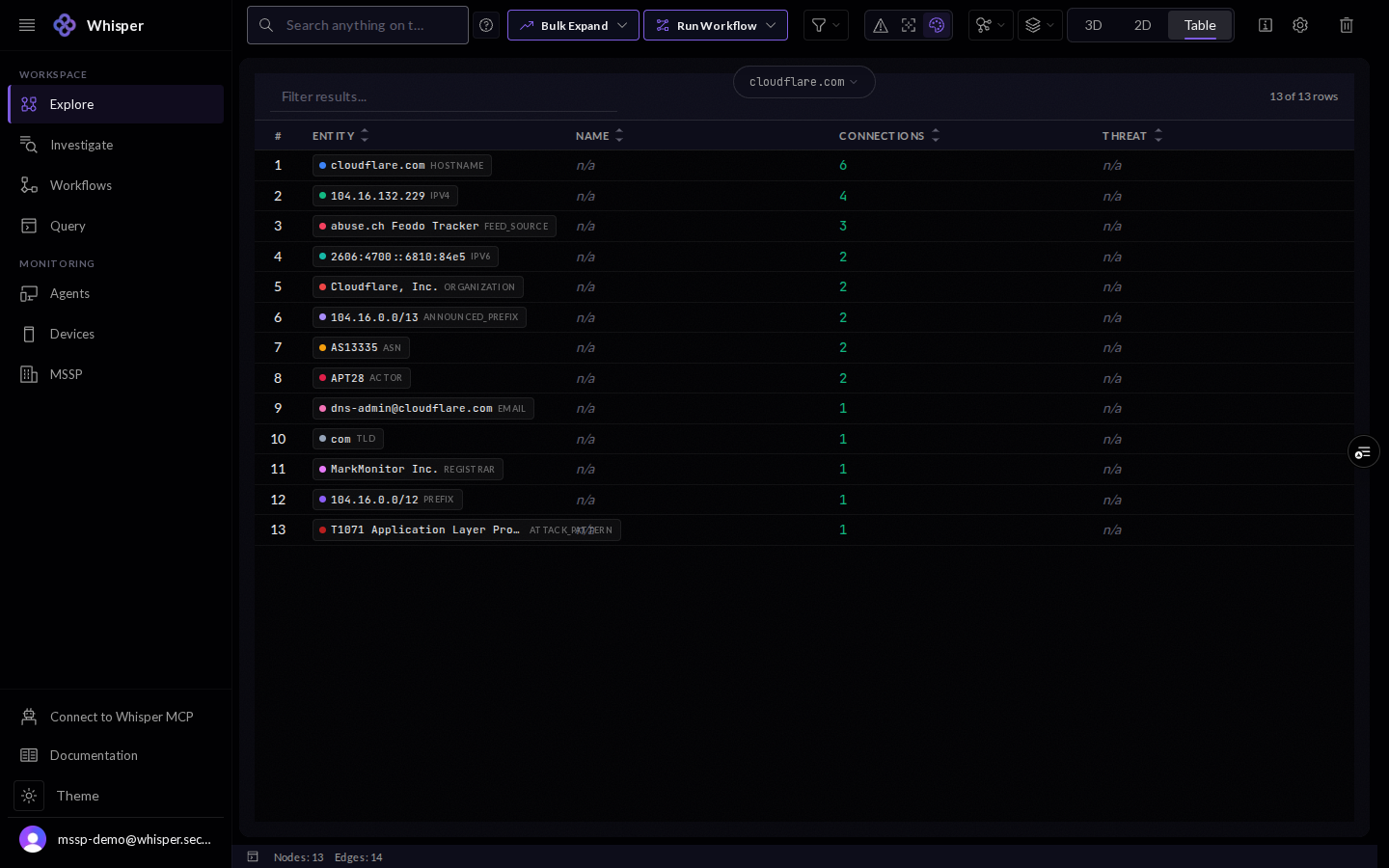
Nodes are colored by layer or by type. The legend groups them into Threat, Ownership, and Naming and DNS, with a live count per type: hostname, IPv4, IPv6, email, organization, TLD, registrar, prefix, announced prefix, ASN, and threat entities such as feed source, actor, and attack pattern.
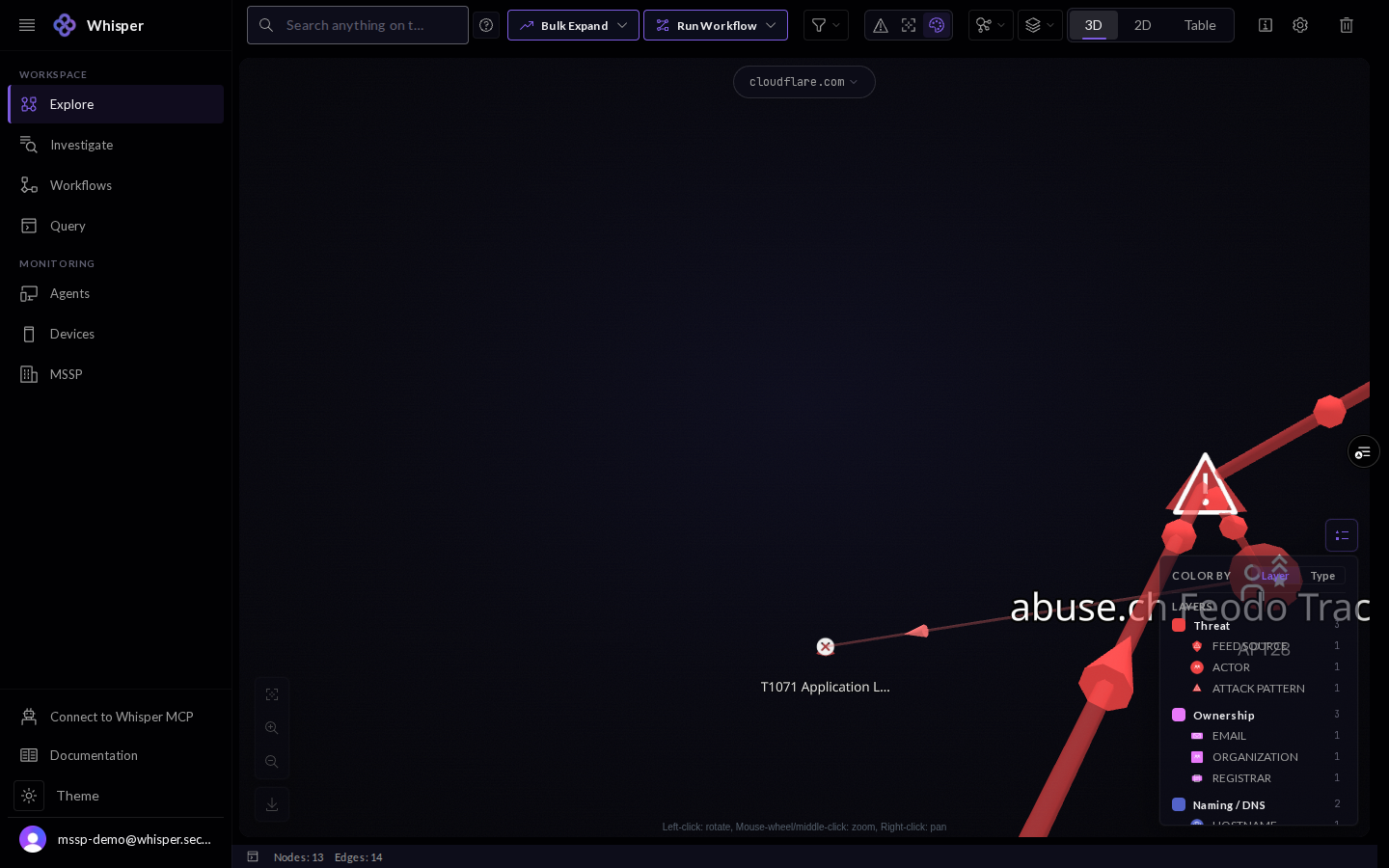
Select any node and its identifier anchors the focus bar at the top of the canvas.
4 · Expand the graph
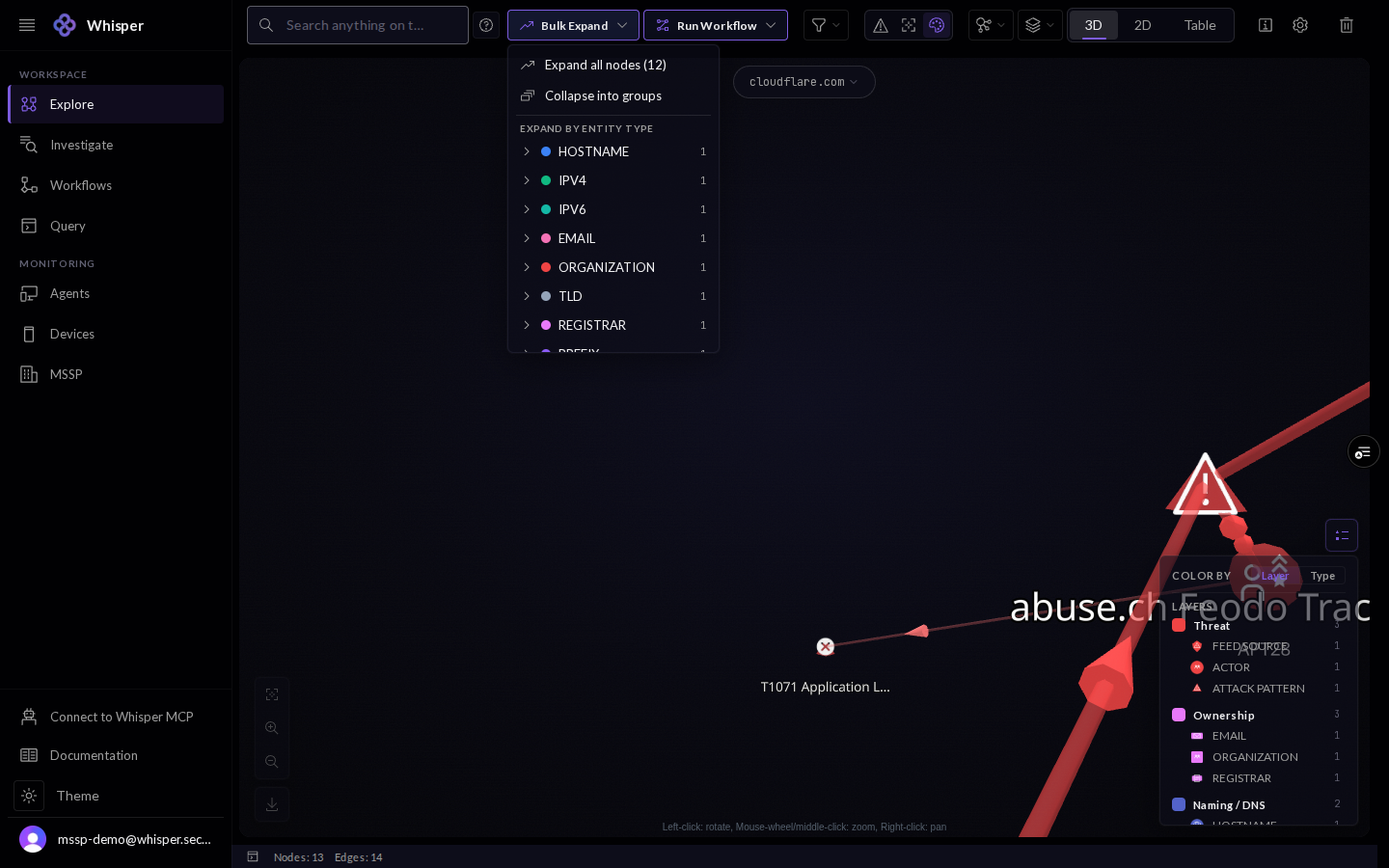
Grow the picture from any node. Bulk Expand can expand every node at once, collapse dense clusters into groups, or expand a single entity type at a time so the graph stays legible.
5 · Filter
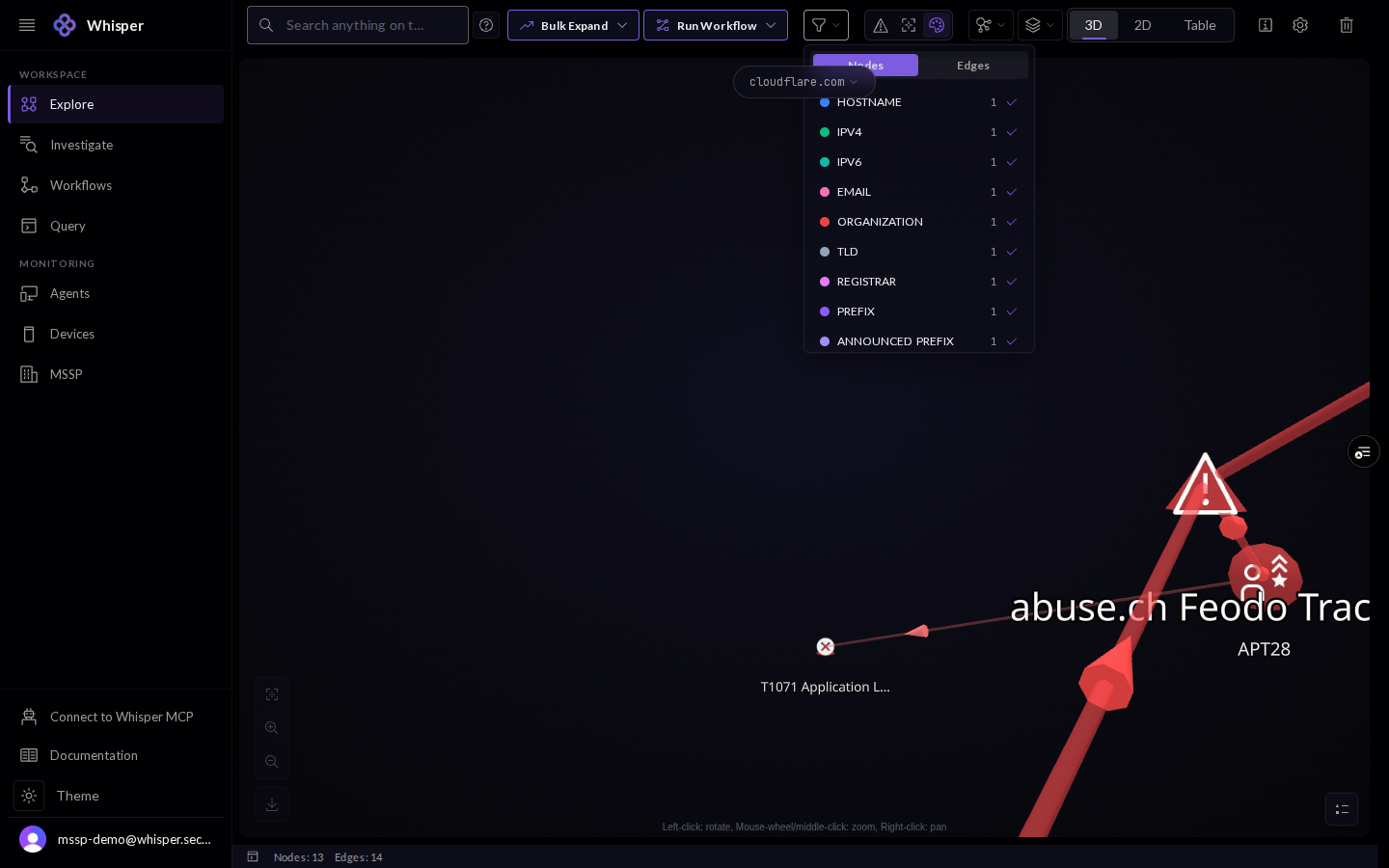
When the graph gets busy, filter which node and edge types are drawn. Each type shows a live count so you can hide the noise and keep the pivot in view.
6 · Layouts and views
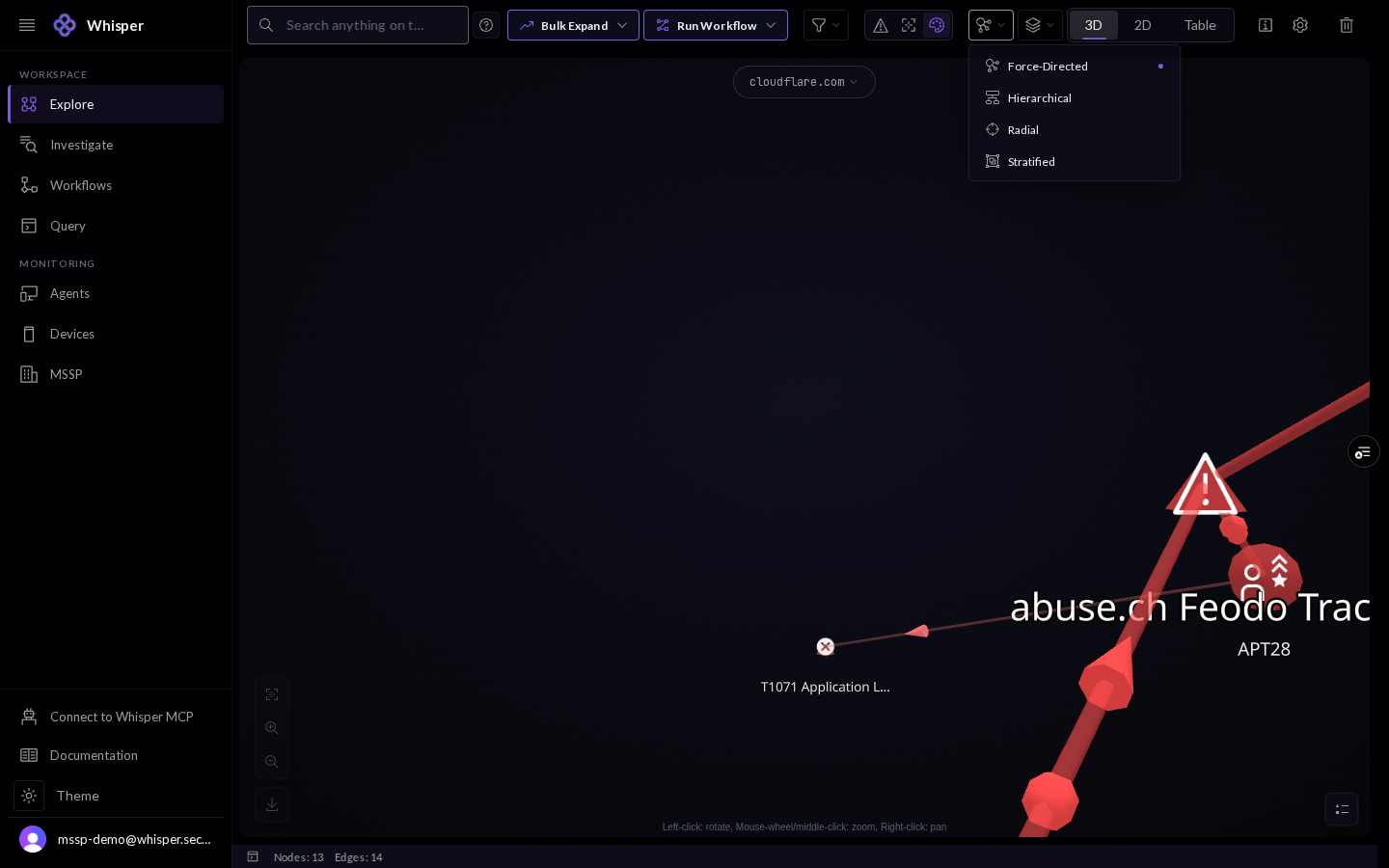
Four layouts arrange the same data differently: Force-Directed, Hierarchical, Radial, and Stratified. You can also drop to 2D, or leave the canvas entirely for a sortable table.
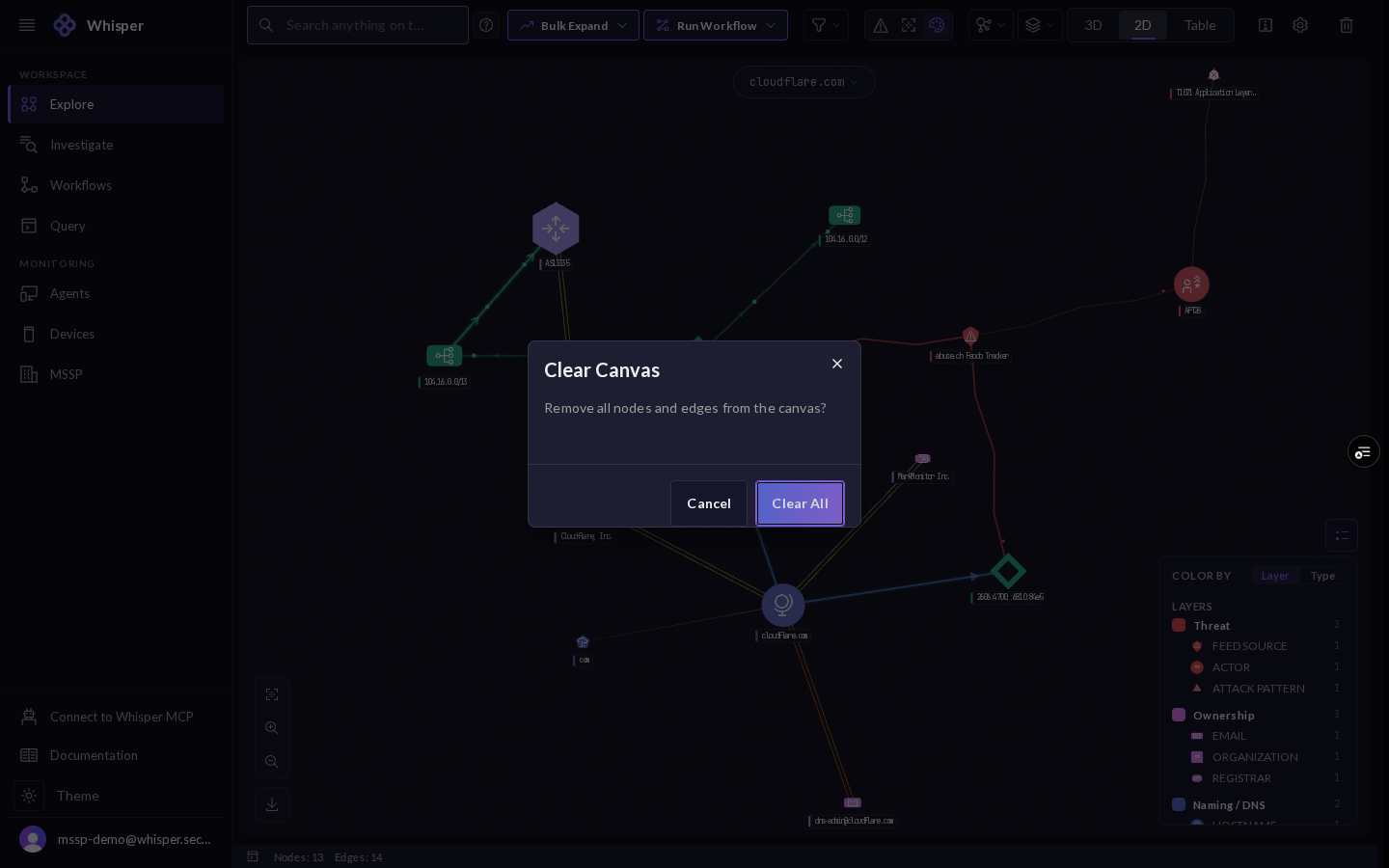
7 · Clear the canvas
Clear everything to start a fresh exploration. The console confirms first, so a full canvas is never lost by accident.